> For the complete documentation index, see [llms.txt](https://windows.help.formit.autodesk.com/llms.txt). Markdown versions of documentation pages are available by appending `.md` to page URLs; this page is available as [Markdown](https://windows.help.formit.autodesk.com/it/tool-library/place-primitive-object-1.md).
# Sostituisci vertice
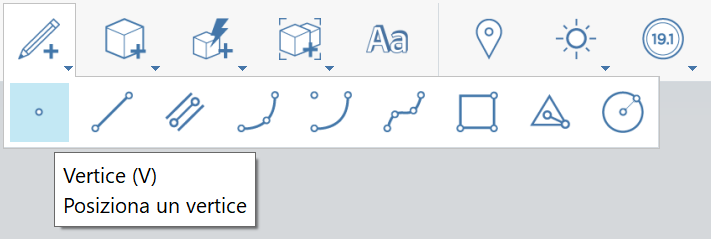
1. Sulla [barra degli strumenti delle azioni](https://github.com/FormIt3D/autodesk-formit-360-windows-help/tree/c377e7b8a3b8e43e684321d0b7de867608d317a3/tool-library/tool-bars-extended.md), fare clic per aprire il **pulsante Disegno** e [selezionare](/it/tool-library/select-edge-face-or-object.md) il vertice.
2. **Fare clic per posizionare** il vertice.
3. Tenere presente che è possibile posizionare un vertice su un bordo per dividerlo. In caso contrario, il vertice rimane visibile come vertice indipendente, se viene posizionato su una superficie o nello spazio.
1.

.png?alt=media)