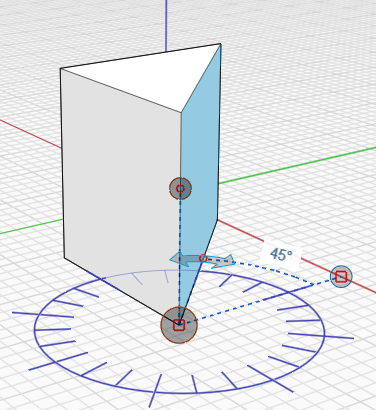
> For the complete documentation index, see [llms.txt](https://windows.help.formit.autodesk.com/llms.txt). Markdown versions of documentation pages are available by appending `.md` to page URLs; this page is available as [Markdown](https://windows.help.formit.autodesk.com/ja/tool-library/measure-angle-tool.md).
# 角度を計測する
\[角度を計測]ツールは、[ツールバー](/ja/formit-introduction/tool-bars.md)にあります。
\[角度を計測]ツールを使用して、頂点、エッジ、面、体積間の角度を計測することができます。また、ジオメトリの寸法を調整することもできます。
* **\[計測]** ツールバー メニューから **\[角度を計測]** ツールを選択するか、キーボード ショートカットの **\[M]、\[A]** を使用して、始点を選択します。
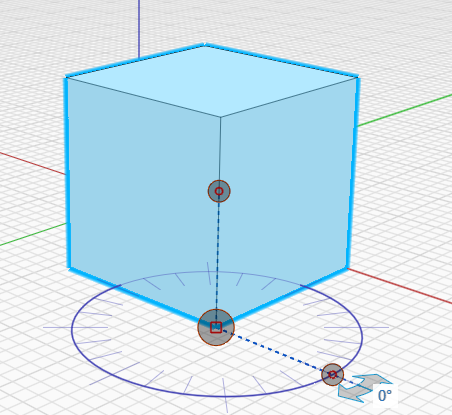 * ハンドルをクリックして、開始位置の頂点までドラッグします。
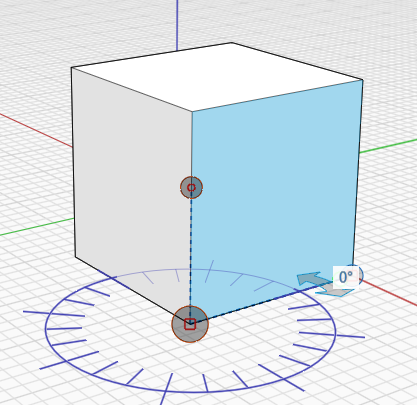 * 矢印を使用して、点と点の間の角度を計測します。
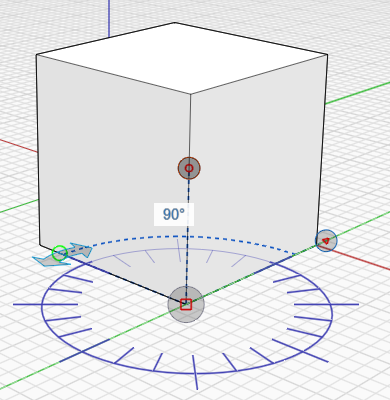 * ジオメトリを変更するには、エッジまたは面をクリックし、表示された角度をクリックして新しい角度値を入力します。
.png?alt=media) * 変更した角度値に合わせてジオメトリが表示されます。
* 変更した角度値に合わせてジオメトリが表示されます。