> For the complete documentation index, see [llms.txt](https://windows.help.formit.autodesk.com/llms.txt). Markdown versions of documentation pages are available by appending `.md` to page URLs; this page is available as [Markdown](https://windows.help.formit.autodesk.com/ko/tool-library/properties.md).
# 특성
**특성 팔레트**에는 Formit 작업 기준면에서 선택한 객체와 관련된 정보 및 데이터가 표시됩니다.
특성 팔레트를 사용하여 객체 그룹을 편집하고, 레이어에 객체를 지정하고, 객체의 재료를 변경할 수 있습니다.

## 특성 팔레트에서 편집
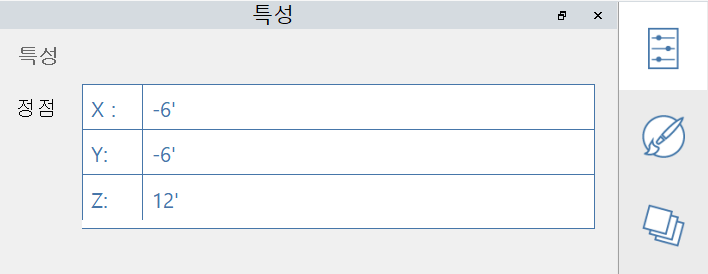
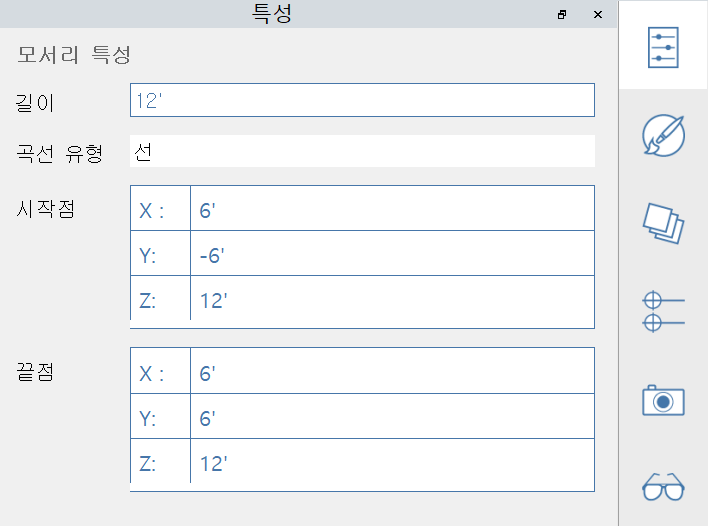
FormIt 2023 이상에서는 특성 팔레트를 통해 정점, 모서리, 면 및 체적의 특성을 수정할 수 있습니다.
#### 편집 가능한 정점 특성:
#### 편집 가능한 모서리 특성:
#### 편집 가능한 면 특성:
#### 편집 가능한 솔리드 특성:
.png?alt=media)
.png?alt=media)