> For the complete documentation index, see [llms.txt](https://windows.help.formit.autodesk.com/llms.txt). Markdown versions of documentation pages are available by appending `.md` to page URLs; this page is available as [Markdown](https://windows.help.formit.autodesk.com/pl/tool-library/measure-angle-tool.md).
# Mierzenie kąta
Narzędzie Zmierz kąt znajduje się na [pasku narzędzi](/pl/formit-introduction/tool-bars.md).
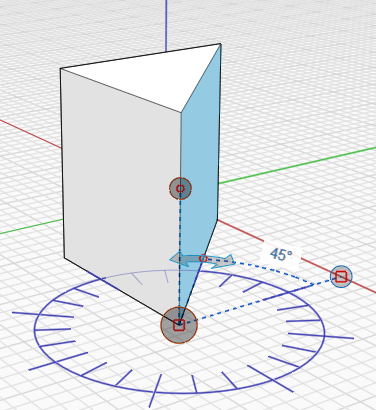
Narzędzie Zmierz kąt służy do mierzenia kątów między wierzchołkami, krawędziami, powierzchniami i bryłami. Za pomocą narzędzia Zmierz kąt można też sterować wymiarami geometrii.
* Z menu paska narzędzi **Zmierz** wybierz narzędzie **Zmierz kąt** lub użyj skrótu klawiaturowego **M A** i wybierz punkt początkowy.
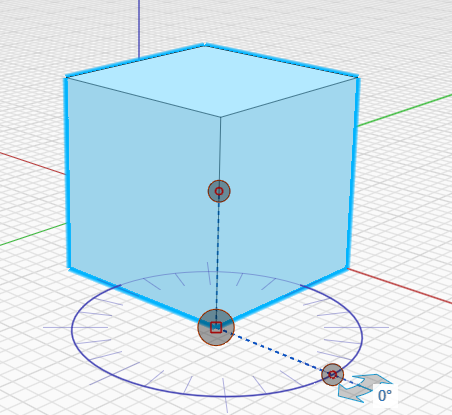 * Kliknij i przeciągnij uchwyt do wierzchołka początkowego.
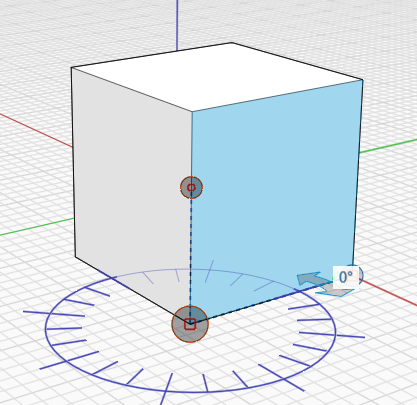 * Użyj strzałek, aby zmierzyć kąt między punktami.
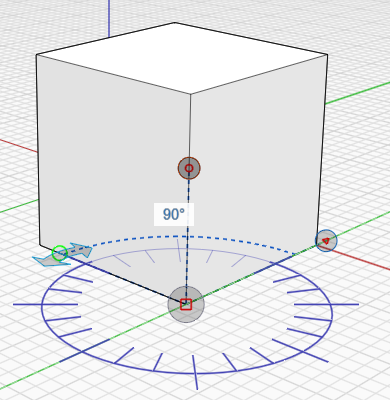 * Aby zmienić geometrię, kliknij krawędź lub powierzchnię i wprowadź nową wartość kąta, klikając wyświetlony kąt.
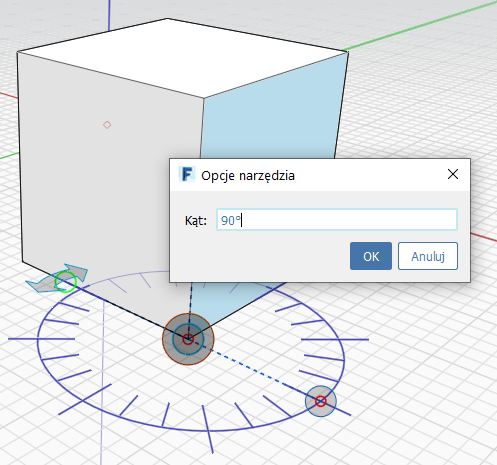 * Zmiany lub pomiary są wyświetlane: